- Published on
The Not So Mechanical Keyboard Update
- Authors
- Name
- Franklin Logan

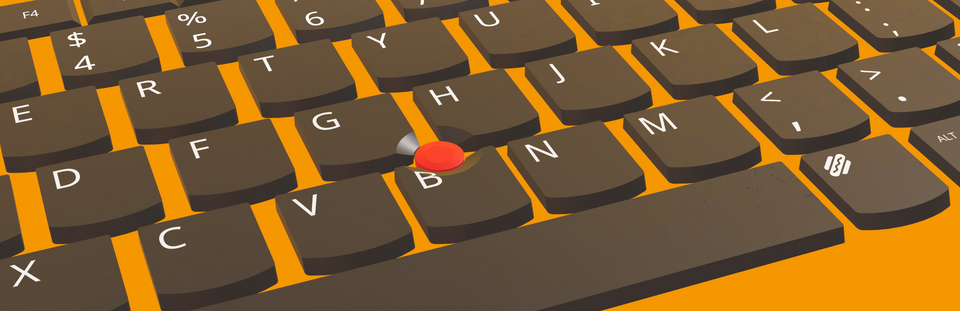
Hey there everyone! As we step into the new year we are back at it a gain with another update for you all. This one aims to be a little different from our previous updates with two new base layouts and a whole lot more keycap profile models for you all to use.
What's new?
Our previous updates have had bug fixes, new environments, keycap materials, quality of life improvements, and more, but we haven't added any new profiles since we went into early access. Why is that, you might ask? Well, honestly, they're a bunch of work to make. For each profile, I'd have to model each keycap itself while following a pretty meticulous set of requirements for it to slot into our customization system (At some point I'll post more about the technical details on our blog for those who might be interested). I'd have to do that for each keycap size, and if it was a profile that was different across each row, suddenly that problem becomes multiplicative. Its not the worst task in the world, but it does take a while and is one of those things where it becomes easy to make a mistake and not notice it. If you add double checking and testing things into the equation, it adds up to the process taking a decent chunk of time.
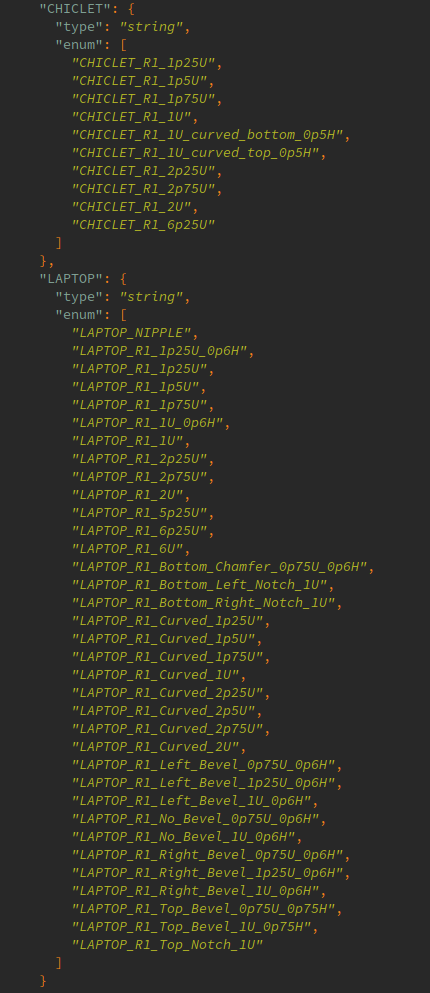 (These are all of the profile models for this update alone!)
But a bigger deterrent than even the time investment is the fact that it didn't feel like the most exciting option for an update. I know that there are people out there ready to go back and forth about DSA vs KAT and so on, but I can't help but feel like there could be a few more fun things to get in before we start back filling the catalog of all the profiles.
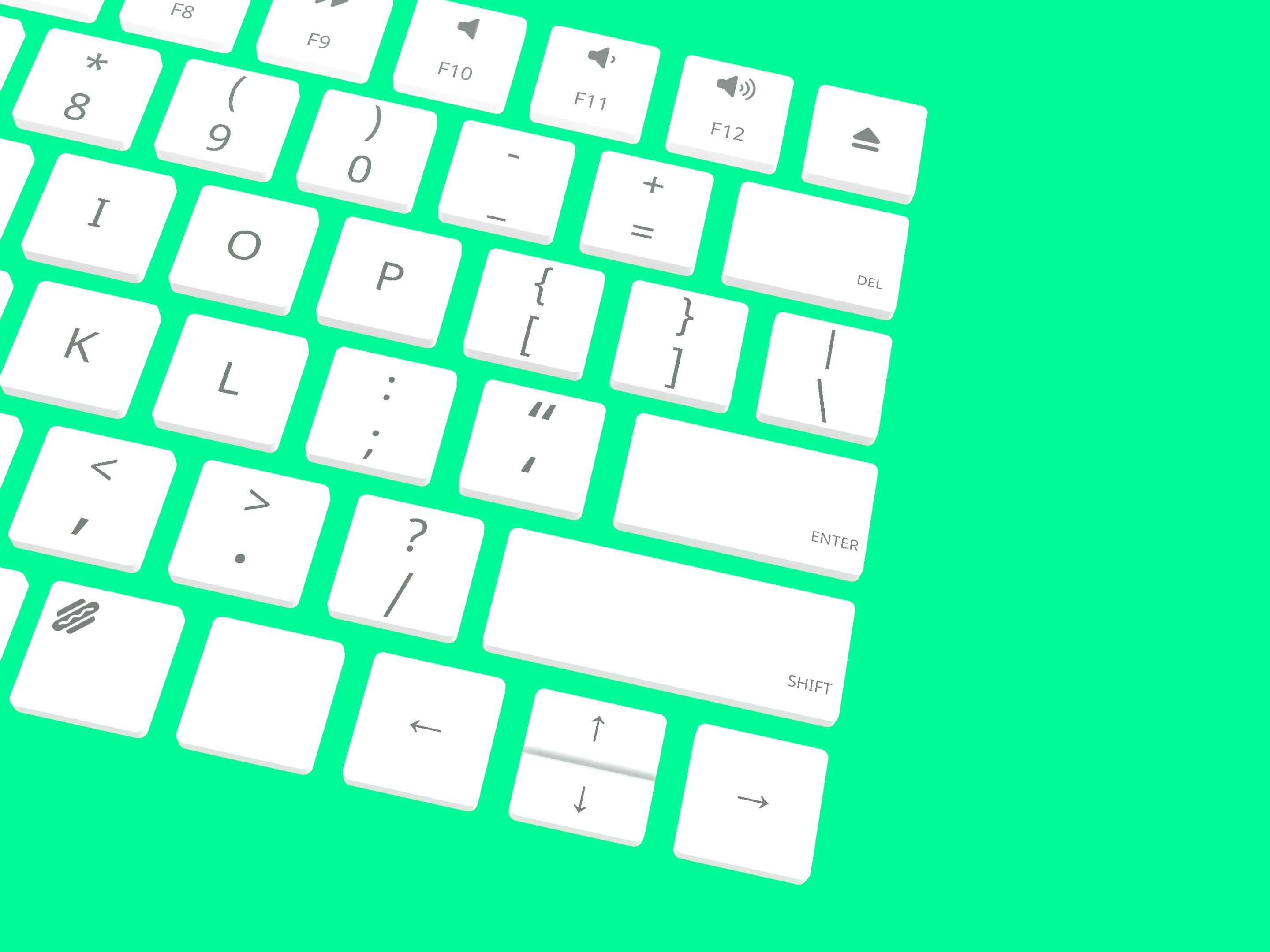
So in the spirit of that, we've added two new keebs that might look a bit familiar, plus all of the keycap profiles required to make these (and a bunch of extras) are usable on all of your existing keebs. We have one in the style of one of the recent iterations of the Apple Magic keyboard, and one in the style of a Thinkpad keyboard, which includes the iconic nub (I know we don't even support mouse input in this game, but it didn't feel right without it, you know?) I know there are definite fan favorites among the different Thinkpad models, but this one's based off of an X1 Carbon because its the one I have in my house. Blasphemous, I know, but it made things easy. The X1 Carbon (or the iteration we have at least) features the keycaps with the scalloped bottoms almost exclusively, but I know that a bunch of the other models have a more split mix of the two. I made sure to make the square ones in case so those have all been thrown in too.
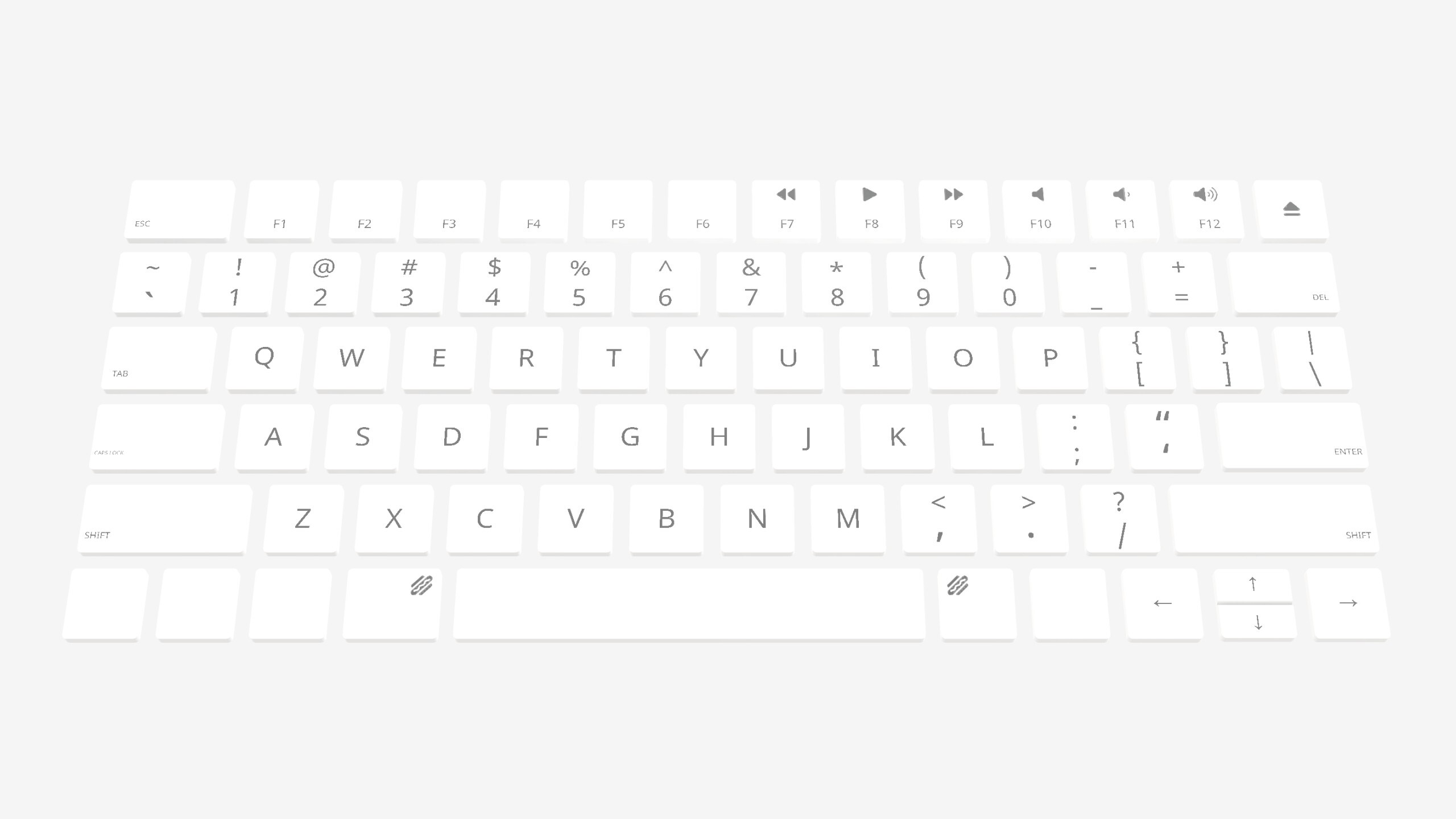
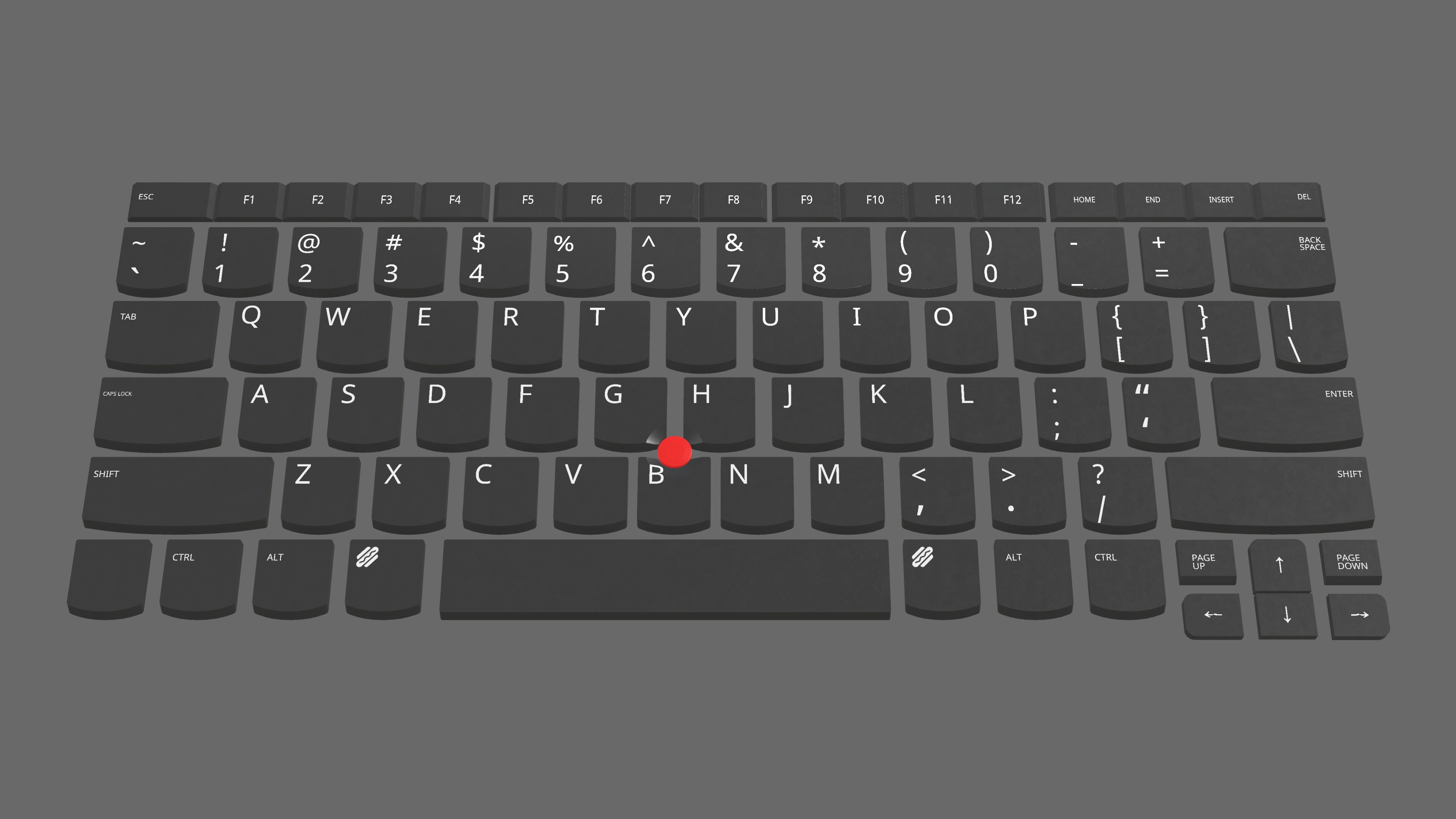
Quick side note about the different profiles: both of these layouts use slightly different spacing that the standard MX switch spacing that we were loosely mimicking (our keycaps are ~10x the size of a normal keycap, so emphasis on loosely), akin to that of LP choc switches. I've tried my best to kind of split the difference where I could, but inevitably introducing the different sizing means that there's opportunity to end up with funny spacing as you mix and match things. Now that's always been a thing you could do (you could make every single key the size of a spacebar if you want, we won't stop you, none of this is even real), but just figured I'd call it out in case. Keycaps.info is a great reference to see what I'm talking about here.
Well that will be it for this update! Thank you all for making this last year a bunch of fun. Let us know what you think, if you run into any issues, or if there's anything else you'd want to see added in the future!
Thanks again, Typing Simulator Dev Team